
Designing for Arabic and English
A bilingual interface needs more than translated labels. Direction, typography and content structure affect how people use each page.
Plan both directions
Place navigation, actions and field labels according to the reading direction. Use logical spacing properties and check directional icons individually. Numbers, email addresses and technical identifiers may still need their own direction.
Design with real text
Test Arabic and English headings, buttons and validation messages early. Their lengths differ, so avoid fixed widths that only work for one language. Choose readable Arabic typography and allow comfortable line spacing.
Review complete tasks
Test mobile navigation, filters, forms, authentication and error pages in both languages. Language switching should retain a relevant destination and clearly show the current choice.
Related articles
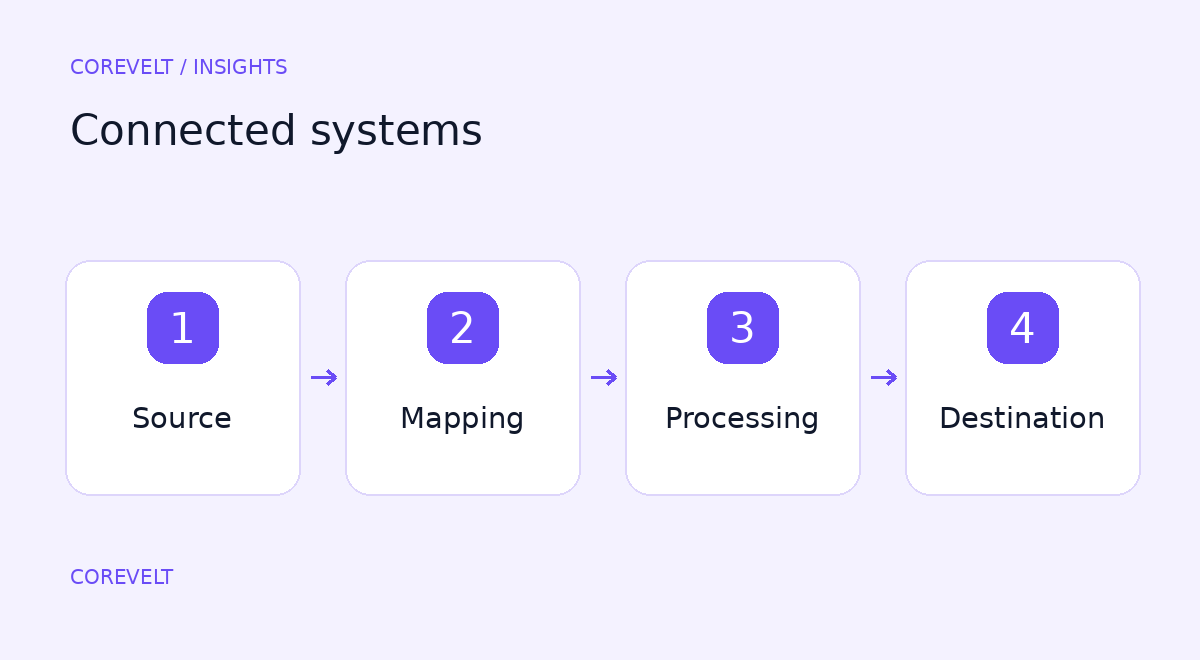
Connecting systems without losing control of the data
Integration reduces repeated entry when the systems involved agree on ownership and failure handling.
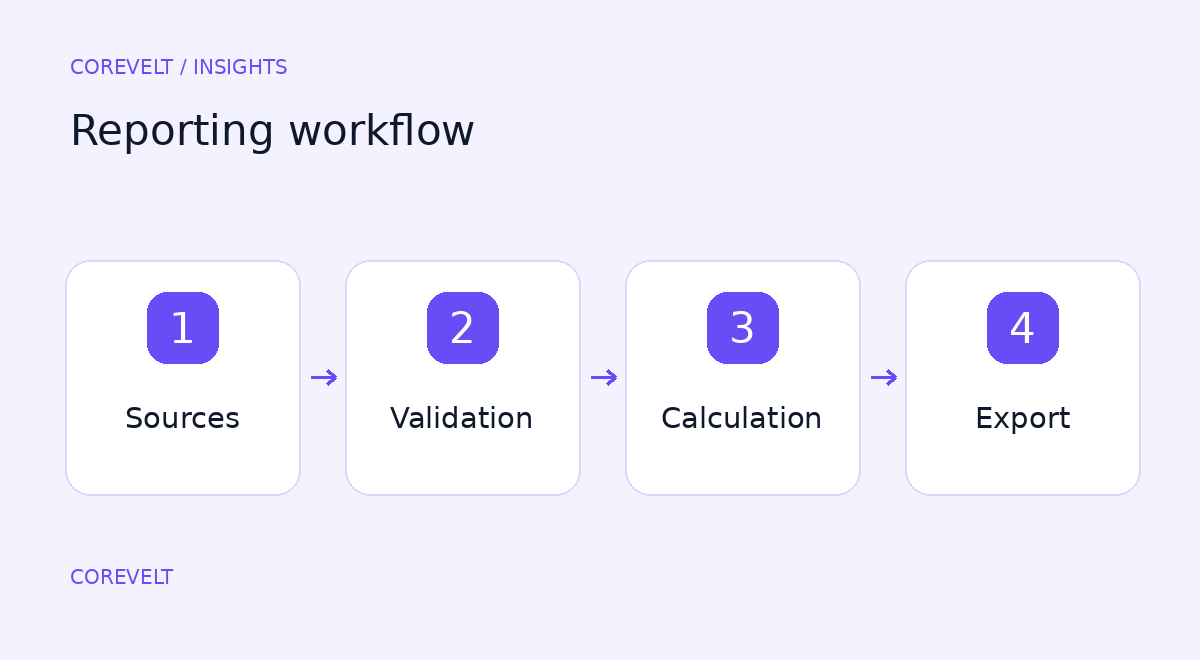
Reports your team can read, verify and reuse
A useful report answers a business question and makes its source understandable.

What a reliable payment integration needs
Connecting a payment button is only the visible part of checkout. A complete integration connects the order, the transaction and the actions taken after payment.

Planning a booking platform beyond the calendar
A booking platform connects availability, pricing, customer requests and the work needed to deliver a service. A calendar is one part of that process.

Where AI fits in a business workflow
A useful AI pilot begins with a defined task, not a broad promise to automate everything.

Planning a website your team can maintain
A maintainable website starts with decisions about content and ownership, before a theme is selected.