
Reports your team can read, verify and reuse
A useful report answers a business question and makes its source understandable. Corevelt treats reporting as a workflow: define the question, prepare the data, calculate the result and deliver a format people can use.
Agree on the meaning of each number
Define the reporting period, included records and status rules. Clarify whether amounts include taxes and whether cancelled or reversed transactions count. Document the date used for grouping: creation, confirmation or completion. Two correct queries can produce different totals when they answer different questions.
Prepare data before calculation
Check duplicates, missing identifiers and inconsistent dates. Keep numeric values numeric instead of storing formatted strings with separators. When combining sources, identify a stable key and define which system owns each field. Record rejected or incomplete rows for review.
Make the export usable
Arabic reports need readable headings and right-to-left layout, while identifiers and numeric cells need their appropriate direction and type. Excel exports should distinguish totals, headers and details, and preserve dates and amounts for sorting and further calculations. Avoid relying on visual formatting to convey business meaning.
Provide a review path
- Display the applied filters and reporting period.
- Make totals traceable to included records.
- Compare a small known dataset before a full export.
- Restrict access to reports according to data sensitivity.
Start with the decisions the report should support. A focused operational report is easier to verify and maintain than a dashboard filled with unrelated numbers.
Related articles
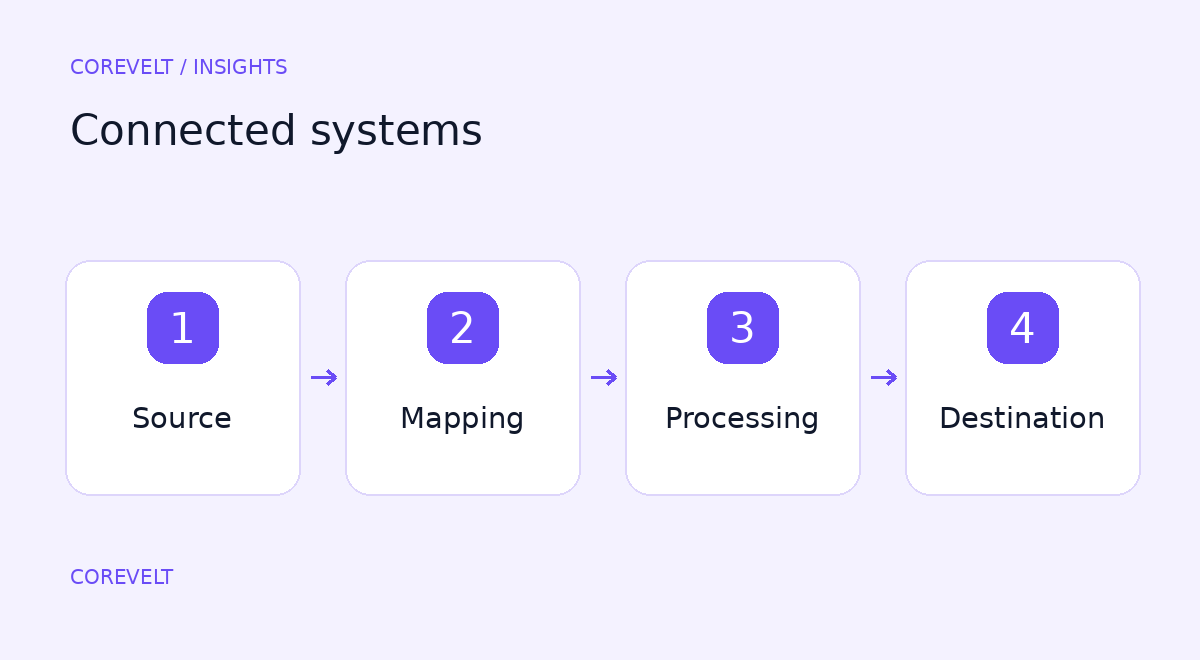
Connecting systems without losing control of the data
Integration reduces repeated entry when the systems involved agree on ownership and failure handling.

What a reliable payment integration needs
Connecting a payment button is only the visible part of checkout. A complete integration connects the order, the transaction and the actions taken after payment.

Planning a booking platform beyond the calendar
A booking platform connects availability, pricing, customer requests and the work needed to deliver a service. A calendar is one part of that process.

Planning a website your team can maintain
A maintainable website starts with decisions about content and ownership, before a theme is selected.